The launchpad chronicles
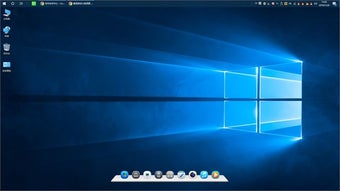
My Dock introduces itself as a simple yet effective desktop quick launch tool that enhances your Windows workflow. Designed to streamline frequently used programs, files, and directories into a customizable dock, it promises faster access compared to hunting through menus. This makes the everyday computing experience more fluid and responsive.
Top Recommended Alternative

Your shortcut companion
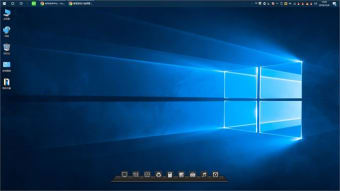
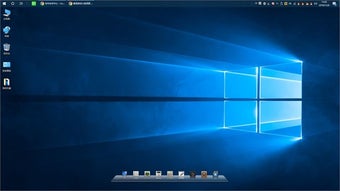
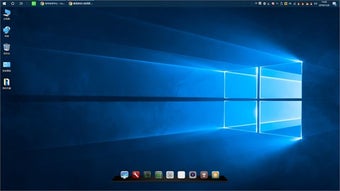
My Dock lets you create personalized application shortcuts, directory shortcuts, and file shortcuts to your most-used items. Placing these in a dock bar speeds up launching anything on your system. This personalization-theme app functions as a productivity-boosting overlay for Windows, reducing the need to dig through folders.
The uncluttered interface keeps your desktop organized with minimal fuss. It’s lightweight and straightforward for users of all levels. However, a minor drawback is that it doesn’t offer advanced customization tools like animations, themes, or task-grouping features found in more robust launchers. Still, it delivers solid functionality.
Desktop almanac
Overall, it delivers a straightforward and dependable method for organizing shortcuts and cutting down on extra clicks. For anyone seeking improved productivity without complexity, it’s a smart addition to your toolkit. It may not replace feature-rich docks, but it certainly strengthens everyday navigation and quick access on Windows systems.